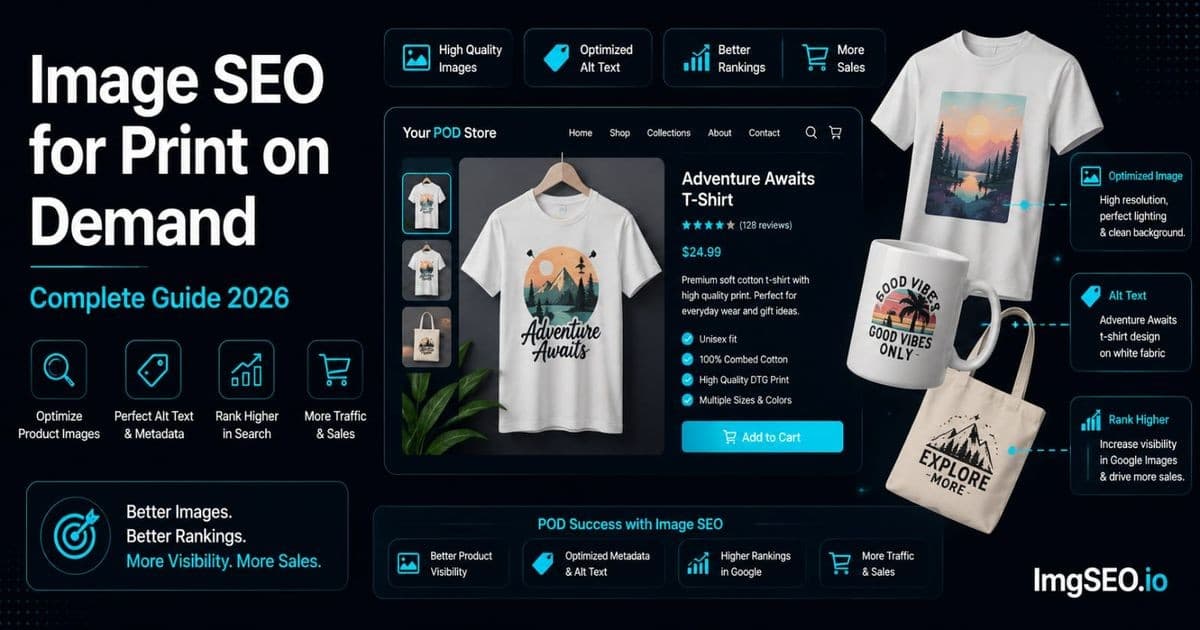
Print-on-demand sellers usually publish a digital design through supplier-generated previews. The image workflow therefore has a distinct job: show what the buyer will receive without overstating print color, scale, placement, texture, or fit.
This guide focuses on accurate mockups, variant coverage, descriptive page fields, and practical exports. It does not assume that Google assigns a known duplicate-image penalty or “full ranking weight” to a custom mockup.
Start with the design and print area
The first image should make the product type and design legible at thumbnail size. Supporting images can answer:
- where the print sits on the product;
- how large it appears relative to seams, handles, or garment panels;
- whether the artwork continues around an object;
- how light and dark variants affect contrast;
- which side or surface is printed;
- what is included in the purchase.
Show a close-up of fine lines or small text where print detail matters. If a supplier preview cannot represent texture or color accurately, state that limitation rather than implying a photographic match.
Use mockups for distinct buyer questions
A front view, back view, worn view, print-detail crop, and size reference can each be useful. Ten nearly identical scenes are not automatically better than four clear ones.
Custom photography or a less common scene may help shoppers recognize the listing and understand the product. That is a merchandising benefit, not proof of a Google originality score or a known duplicate-image weighting formula.
Handle variants honestly
Do not show every garment color using one generic alt description. Match each meaningful preview to the displayed color, product type, and print position. Remove combinations where the design becomes unreadable or where the mockup no longer matches the available item.
If a supplier sync replaces images, recheck the live listing. Product feeds and theme updates can alter ordering or variant associations.
Write useful alt text and listing copy
Describe what the image communicates:
- “Navy unisex T-shirt with orange mountain sunset print, front view”
- “Close-up of cream tote bag showing botanical print detail”
- “White ceramic mug with cat illustration, handle-right view”
Alt text belongs in the destination platform's field and should serve the published context. It does not create a private ranking layer independent of the image and page.
Use descriptive source filenames for organization before upload, but marketplaces may rename files. Embedded EXIF/XMP is optional source-asset information and is not a documented Google ranking mechanism. Platforms may remove it during processing.
Export for the destination
Keep a high-quality master of the artwork and mockup. Export at the dimensions and format required by the current platform and inspect:
- small text and fine strokes;
- edge halos around transparent artwork;
- banding in gradients;
- color shifts;
- compression artifacts around the print;
- the mobile thumbnail crop.
Avoid universal quality percentages or kilobyte limits. Complexity, dimensions, transparency, and platform processing all change the useful setting. Compare the final rendered result and use the smallest file that preserves the necessary product detail.
Platform handoff
For Etsy, Shopify, Redbubble, or another marketplace, verify current image requirements and available text fields before publishing. Do not assume a fixed image count, alt-text limit, filename behavior, indexing timeline, or ranking effect across platforms.
For a self-hosted WooCommerce store, use WordPress-managed alt text and relevant product-page context, then verify responsive delivery. The WooCommerce image SEO guide covers that workflow.
POD image checklist
- Confirm the mockup matches the actual supplier product.
- Show print placement and a readable design view.
- Cover meaningful color and product variants.
- Add a detail image where print quality or small text matters.
- Describe each meaningful view accurately in the platform.
- Check the live mobile crop and variant association.
- Compare exports visually instead of relying on a universal file target.
- Treat embedded metadata as optional source information.
The strongest POD image set reduces uncertainty. It shows the design, placement, variant, and real product limitations clearly without promising a search-ranking outcome.