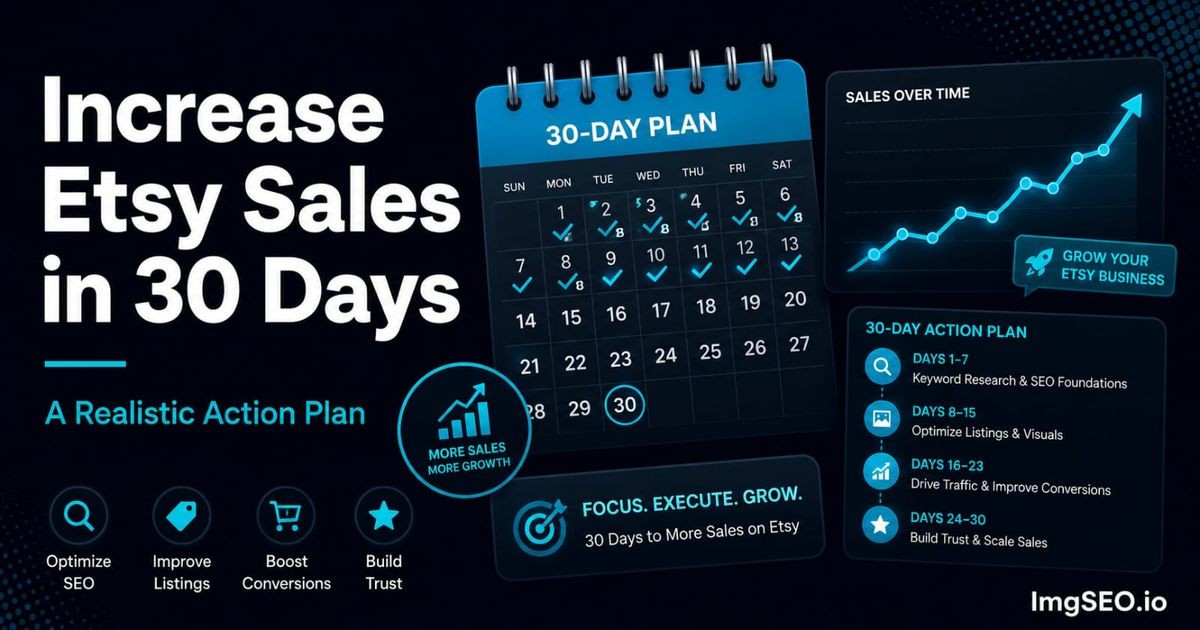
Holiday demand recurs, but dates, buyer behavior, carrier cutoffs, advertising costs, and a shop's capacity change every year. This guide provides a reusable planning process rather than a fixed Christmas ranking calendar.
Key Takeaways
- Work backward from truthful production and delivery dates; do not copy universal shipping cutoffs.
- Use seasonal words only where they accurately describe the item, recipient, occasion, or visible image context.
- Etsy publishes no guaranteed indexing timeline, page-one formula, or holiday ad return. Measure the current season in Etsy Stats and preserve notes for the next one.
Build the calendar from operational deadlines
Start with dates the shop can verify:
- carrier deadlines for each destination and service
- current processing time and realistic peak capacity
- time required for personalization or made-to-order work
- photography and listing-production time
- promotion start and end dates
Then work backward to schedule research, listing edits, inventory, photography, and advertising. A suggested August-to-December calendar may help some shops, but it is not an Etsy indexing requirement.
Review the plan whenever carriers, inventory, staffing, or production time changes.
Research seasonal demand from your own evidence
Begin with Etsy Stats from prior holiday periods when available:
- search terms that brought relevant visits
- listings with strong views but weak order rates
- products that sold out or missed delivery windows
- recipient and occasion language buyers actually used
- geographic markets affected by different shipping cutoffs
Supplement that evidence with current Etsy search suggestions and other research tools, but treat search-volume estimates as directional. Avoid declaring a keyword universally “best” without product and market context.
The Etsy keyword research guide provides a broader process.
Update titles, tags, categories, and attributes carefully
Seasonal edits should preserve the listing's product identity.
For a genuinely giftable item, useful context might include:
- recipient, such as
gift for a gardener - occasion, such as
Christmas host gift - product format, such as
personalized ornament - delivery type, such as
digital download
Do not add Christmas language to unrelated products merely to chase seasonal traffic. Avoid changing every title and tag at once; keep a record of the previous version and compare results in Etsy Stats.
For internal Etsy visibility fundamentals, use the Etsy search visibility guide.
Use seasonal photography when it helps the buyer
Holiday images can show gift presentation, packaging, personalization, scale, or seasonal use. They do not need to replace a clear primary product image.
Possible approaches include:
- retain the accurate primary image and add a gift-packaging view
- add a lifestyle image showing genuine seasonal use
- photograph personalization options and ordering steps
- include a readable delivery or digital-download explanation where Etsy permits it
Test presentation against your actual audience. Festive props do not guarantee a higher click or order rate and should never obscure what is included.
Write accessible holiday image descriptions
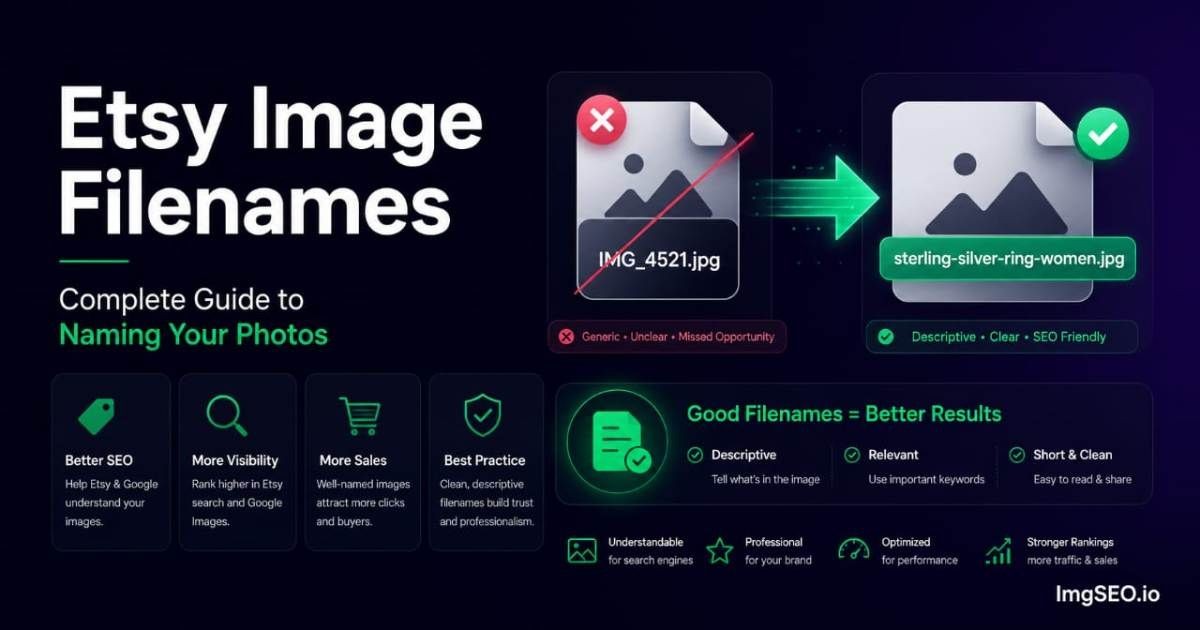
Use Etsy's listing-image alt-text field to describe informative images. Mention seasonal context only when it is visible.
Useful: Silver initial necklace displayed inside a red gift box
Not useful: best christmas gift jewelry stocking stuffer gift for her
Alt text is an accessibility field, not a hidden tag list. Etsy controls the image-delivery pipeline; embedded EXIF/XMP should not be treated as an Etsy or Google ranking factor.
ImgSEO exports can include XMP in supported JPEG, WebP, and AVIF files, with EXIF additionally available for JPEG. That information remains optional source-file metadata, and Etsy decides whether it survives upload processing.
Make fulfillment information accurate and visible
Do not publish universal order-by dates. Calculate deadlines from:
- the buyer's destination
- the selected carrier service
- current carrier guidance
- the shop's real processing time
- personalization approval time
- a reasonable disruption buffer
Display clear dates in the listing description, shop announcement, and relevant images, then update them as capacity or carrier information changes. Never shorten processing estimates solely for a presumed search advantage.
Evaluate promotions and ads as business decisions
Discounts and Etsy Ads have costs. Set a campaign objective and measure:
- advertising spend
- clicks and attributed orders
- revenue after discounts
- product margin
- fulfillment capacity
- return and cancellation risk
There is no universal holiday discount or daily ad budget. Start from margin and inventory constraints, and adjust using current campaign performance rather than an unsupported promise of higher organic rank.
Plan post-holiday cleanup
After the relevant delivery window:
- remove expired shipping promises
- pause or update Christmas-specific listings that are no longer relevant
- restore useful evergreen wording where it was displaced
- stop campaigns that no longer meet their objective
- record winning queries, images, products, and fulfillment problems
Recipient-based wording may remain useful outside Christmas, but keep it only when Etsy Stats and the product context support it.
Recurring Etsy holiday checklist
- [ ] Current carrier and processing deadlines verified
- [ ] Prior-season Etsy Stats reviewed
- [ ] Seasonal terms validated against the actual product
- [ ] Core categories and attributes kept accurate
- [ ] Product and gift-presentation images prepared
- [ ] Informative images have descriptive alt text
- [ ] Shop announcement and delivery language updated
- [ ] Ad and promotion budgets tied to margin
- [ ] Expired dates scheduled for removal
- [ ] Results documented for the next season
This article keeps its established URL, but its guidance is intentionally evergreen. Revisit dates, policies, carrier information, and marketplace tools before each holiday season.