
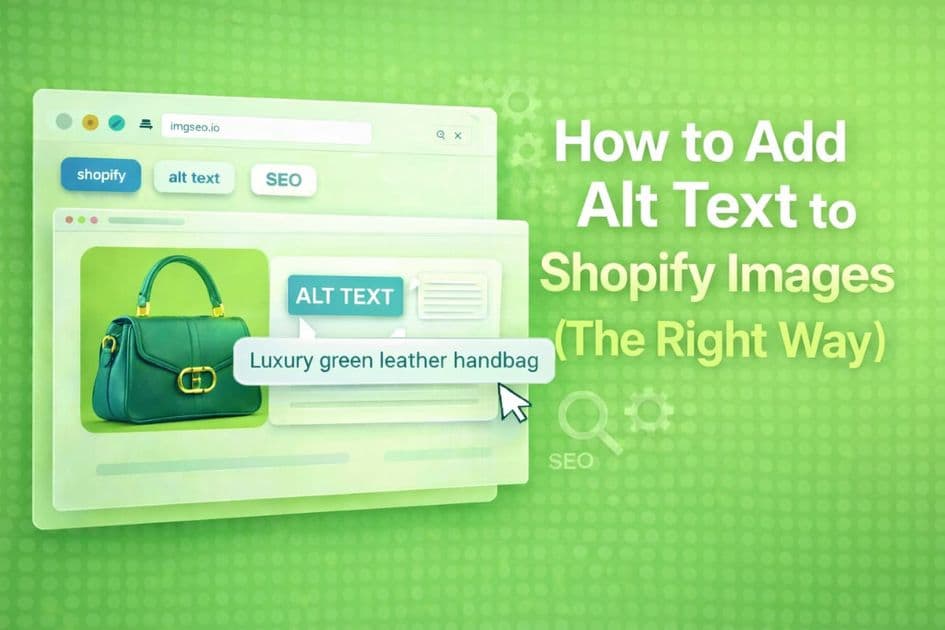
Alt text is one of the most consistently misunderstood parts of Shopify SEO. Most guides tell you to "add a description of the image." That's true, but it misses the point of why alt text matters and what good alt text actually looks like in practice.
This guide covers what alt text does, how to add it in Shopify, and how to write it in a way that actually helps your store rank.
Key Takeaways
- Alt text is Shopify's admin field for describing each image; leaving it blank means Google indexes nothing about that image.
- The working formula is
[color] [material] [product type] [distinguishing feature], [context if relevant]— specific enough to rank, natural enough to read.- Shopify's native editor is one image at a time, so catalogs over 50 products need a bulk approach (CSV import or an AI tool) to avoid days of manual work.
What alt text actually does
Alt text serves three purposes:
Accessibility — Screen readers read alt text aloud for visually impaired users. This is the original purpose of the attribute.
Search engine indexing — Google cannot see images the way humans do. Alt text is the primary signal it uses to understand what an image shows. Without it, your product images are essentially invisible to search engines.
Fallback display — If an image fails to load, the alt text is displayed in its place.
For e-commerce, the second purpose is what drives traffic. Google Images is a significant discovery channel for product searches — and stores with properly written alt text show up there. Stores without it don't. For a complete breakdown of what alt text is and how to write it effectively, see our complete alt text guide for SEO in 2026.
How to add alt text in Shopify
For product images:
- Go to Products in your Shopify admin
- Click on a product
- Click on a product image
- Click the alt text field that appears
- Type your alt text and save
For collection images:
- Go to Products → Collections
- Click on a collection
- Click on the collection image
- Edit the alt text field
For theme images: This depends on your theme. Most themes allow alt text editing through the theme editor under Customize → the relevant section.
The limitation: Shopify's native interface is one image at a time. If you have 500 products, this process takes days.
How to write alt text that works
The difference between alt text that helps and alt text that doesn't comes down to specificity.
Too generic:
product image
handbag
photo
Too keyword-stuffed (hurts rankings):
buy leather handbag cheap leather handbag shopify leather handbag sale
Correct:
Teal leather tote bag with gold chain strap, women's fashion accessory
The formula that works: [color] [material] [product type] [distinguishing feature], [context if relevant]
Examples:
Handmade ceramic mug with blue glaze, 12oz, rustic kitchen decorMen's slim fit white Oxford shirt, button-down collarVintage brass compass in leather case, gift for travelers
Each of these tells Google exactly what the product is, which means your images appear when people search for those specific things.
What most Shopify stores get wrong
Leaving alt text empty — This is the most common mistake. An empty alt text field means Google indexes nothing about that image.
Using the product title as alt text — Product titles are written for customers, not search engines. "The Explorer Bundle — Limited Edition" tells Google very little about what's actually in the image.
Using the same alt text for multiple images — If you have five photos of the same product from different angles, each one should have distinct alt text describing what that specific photo shows.
Ignoring image filenames — Alt text and filename work together. IMG_4821.jpg with great alt text is weaker than teal-leather-handbag.jpg with great alt text. Both signals matter.
Scaling alt text across a large catalog
If you have more than 50 products, manual alt text editing in Shopify becomes a real bottleneck. A few options:
Shopify bulk editor — Shopify's built-in bulk editor lets you edit some product fields in bulk, but alt text is not one of them natively.
CSV import/export — You can export your product catalog as a CSV, add alt text in a spreadsheet, and reimport. This works but requires careful formatting and doesn't touch images already uploaded to your CDN.
AI tools — Tools like ImgSEO analyze the actual image content and generate alt text automatically. The advantage over template-based approaches is that the output describes what's in the image, not just what you named the product. For large catalogs, this is the fastest path to complete alt text coverage.
Before you move beyond alt text, use the Shopify image SEO checklist to review filenames, product media, variant images, collection images, compression, and Google Images checks in one workflow.
The bottom line
Alt text is one of the highest-ROI SEO tasks for Shopify stores because the baseline is so low — most stores have none. Adding accurate, descriptive alt text to your top 20 product images takes less than an hour and can meaningfully improve your visibility in Google Images within weeks.
Start with your best sellers. Work from there. If you want to understand the full image SEO picture beyond alt text, Image SEO for Beginners 2026 covers filenames, compression, metadata, and more.


