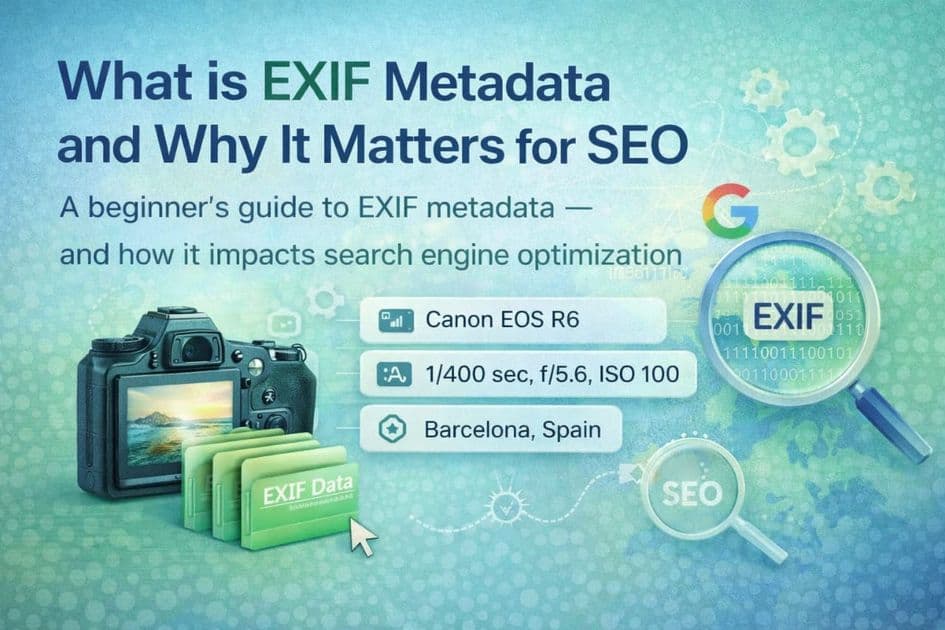
EXIF and XMP store information inside supported image files. They are useful for camera details, rights information, and asset-management workflows, but they are not a substitute for the text and context published on a web page.
Key Takeaways
- EXIF commonly stores camera and capture data; XMP and IPTC fields can carry descriptions, keywords, creator details, and rights information.
- Embedded metadata is optional and fragile. Processing, re-encoding, CMS derivatives, optimization tools, and CDNs may change or remove it.
- Google does not document EXIF or XMP as a direct ranking factor. For web image SEO, prioritize HTML alt text, relevant page context, crawlability, descriptive URLs, and performance.
What EXIF metadata stores
EXIF stands for Exchangeable Image File Format. Cameras and phones commonly use it for capture details such as:
- camera and lens model
- exposure settings
- capture date and time
- image orientation
- GPS coordinates when location recording is enabled
Some image formats can also carry descriptive or rights-related fields through EXIF, IPTC, or XMP. The exact fields and support vary by format and software.
Common examples include:
- Title or headline for a short asset name
- Description or caption for a longer explanation
- Keywords or subjects for asset organization
- Creator and copyright for attribution and rights management
These are file-level fields. HTML alt text is separate and should be written for the image's purpose on the page.
EXIF, XMP, and IPTC are not interchangeable
The terms are often grouped together, but they serve different purposes and have different format support.
| Standard | Typical use | Important limitation | |---|---|---| | EXIF | Camera and capture information; selected descriptive fields | Commonly associated with JPEG and may be removed during processing | | XMP | Extensible descriptive, workflow, and rights metadata | Support and retention depend on the file format and processing pipeline | | IPTC | Editorial descriptions, subjects, creator, and rights fields | Applications may map IPTC fields into XMP or expose only a subset |
If a field matters for licensing or asset management, verify it with a metadata inspector after every export or delivery step.
Why embedded metadata is fragile
Metadata stays with a particular file only while the bytes carrying it are preserved. A downloaded original may retain its metadata, while a derivative generated from that image may not.
Common transformation points include:
- resizing or thumbnail generation
- format conversion
- lossy or lossless re-encoding
- privacy-oriented metadata removal
- image-optimization plugins
- CMS media processing
- marketplace or social-platform uploads
- CDN transformations
Retention is therefore a property of the complete workflow, not a promise made by the source file. Test the final public asset instead of assuming every derivative matches the original.
How embedded metadata fits into image SEO
Embedded metadata can keep descriptive or rights information inside an exported asset. That may be useful for internal organization, licensing, or workflows that intentionally preserve those fields.
For search visibility, the dependable surfaces are the ones users and crawlers can access on the page:
- accurate HTML alt text for informative images
- relevant surrounding text and product information
- crawlable image URLs and markup
- descriptive filenames where the platform preserves them
- suitable dimensions, formats, and responsive delivery
Google does not document EXIF or XMP as direct ranking factors. A file containing keywords is not a shortcut around weak page content, inaccessible images, or poor delivery.
What this means for WooCommerce
ImgSEO's WooCommerce workflow focuses on WordPress/WooCommerce-owned fields and page context. The plugin can write eligible generated alt text, image titles, and image descriptions into empty WordPress fields while preserving existing merchant content. It does not depend on EXIF or XMP surviving WordPress processing.
The ImgSEO web dashboard has a different export workflow. It can include XMP in supported JPEG, WebP, and AVIF exports, with EXIF additionally available for JPEG. Those file-level features remain optional, and downstream systems decide whether they survive.
A practical metadata workflow
Use embedded metadata only when it serves a defined purpose:
- Decide which descriptive, creator, or rights fields the source asset needs.
- Export through a tool that supports the chosen format and fields.
- Inspect the exported file.
- Send it through the actual CMS, marketplace, optimization, or CDN workflow.
- Download or inspect the delivered derivative and compare the fields.
- Keep essential SEO information in page-level fields regardless of the result.
For related implementation guidance, see how to add metadata to product images, how to write alt text, and the e-commerce compression workflow.
The bottom line
EXIF, XMP, and IPTC can carry useful file-level information. Their value depends on the workflow preserving and using those fields. Treat them as optional asset metadata, not as guaranteed platform data or a direct search-ranking mechanism.